
One portal for the whole employment file
From the contract you hand a new hire to the certificate of service you owe them on the way out. Every module is included on every plan, you can switch off the ones you don't use, and the statutory rules stay with the record instead of living in somebody's head.
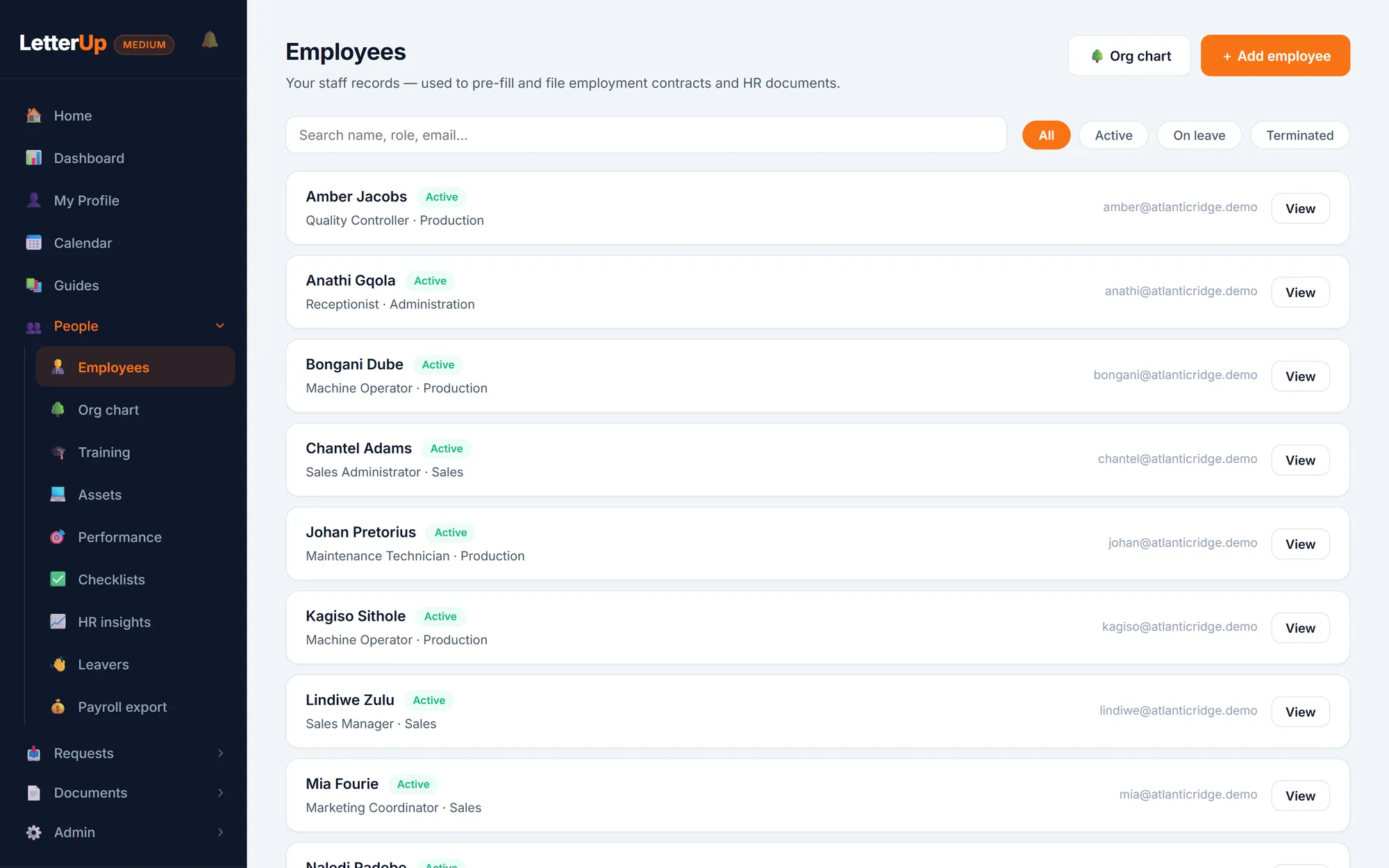
Staff records, org chart & BCEA leave
One file per person with reporting lines, probation and contract dates. Statutory leave balances, approval chains, a company calendar, and task lists for first days and last days.
Employees & leave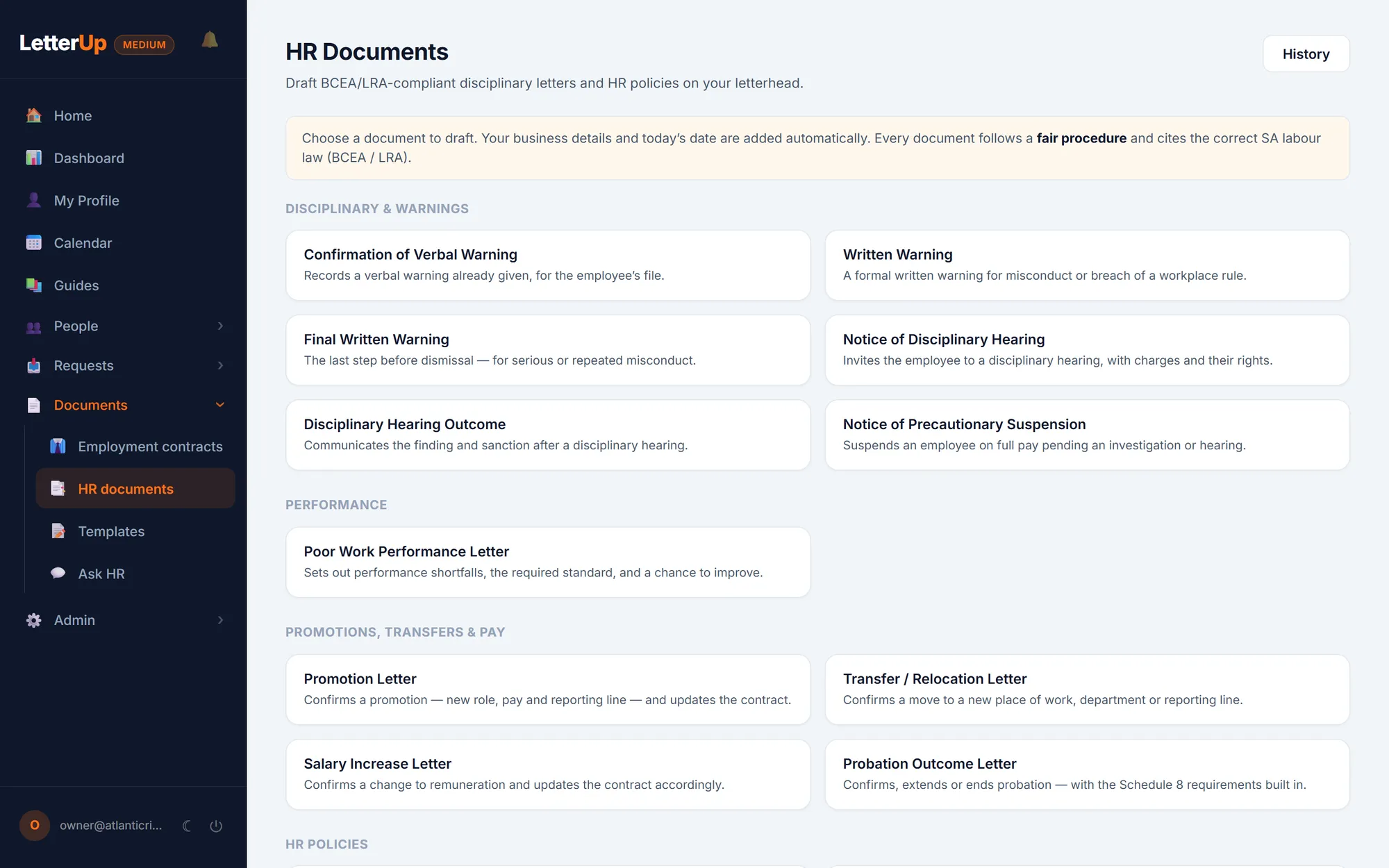
Contracts & HR documents
Employment contracts and fourteen HR letter and policy types on your letterhead, or on a template you upload yourself. An AI check reads your template and cites the sections it is missing.
Contracts & documents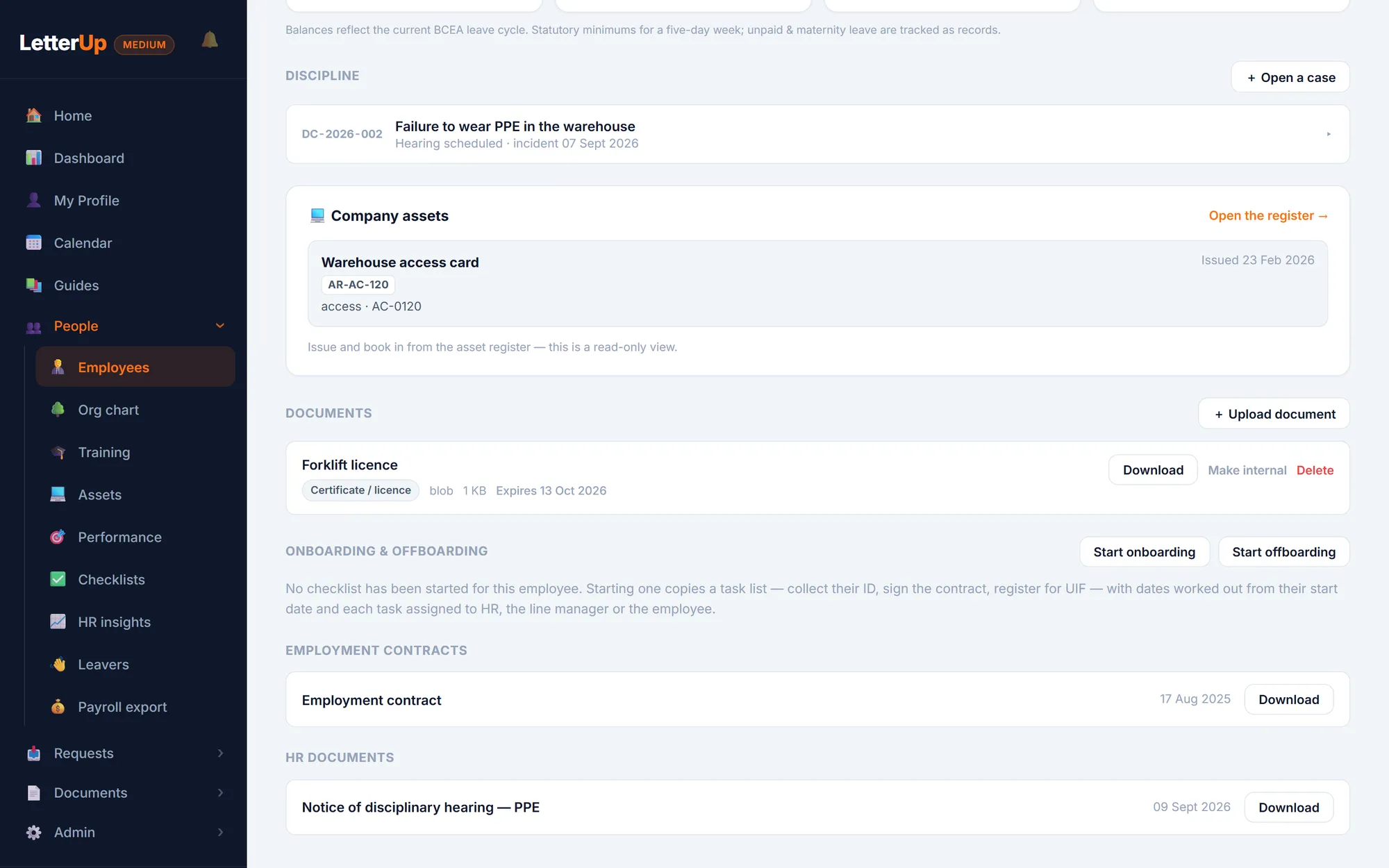
Discipline & warnings
Allegation, hearing, outcome, sanction and appeal on one timeline, with warning validity tracked so escalation only rests on a warning still in force.
Discipline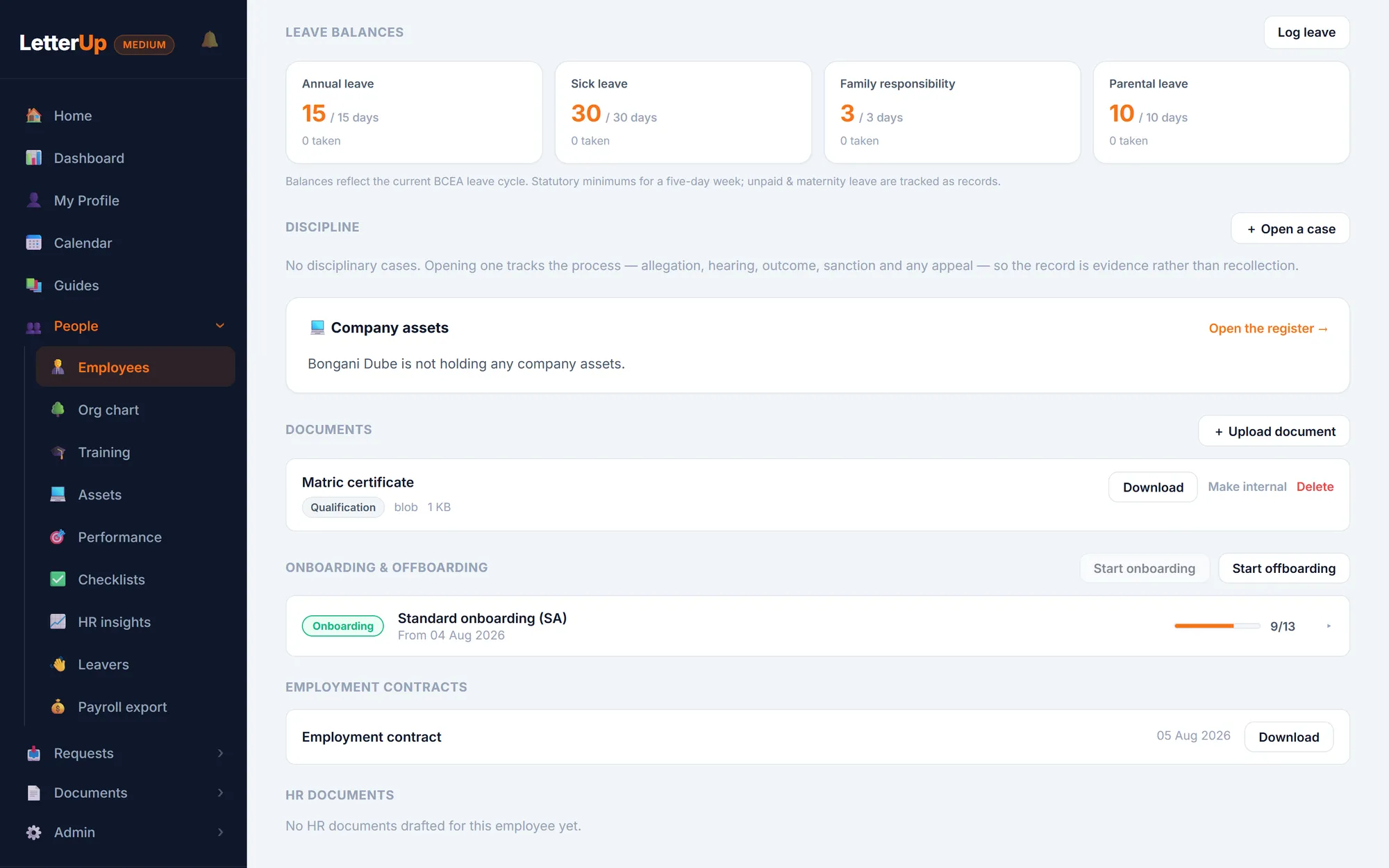
E-signatures
Send a contract, warning or policy to be signed from the employee's file. It comes back signed, with a Certificate of Electronic Signature on the PDF. There is no third-party account to set up.
E-signatures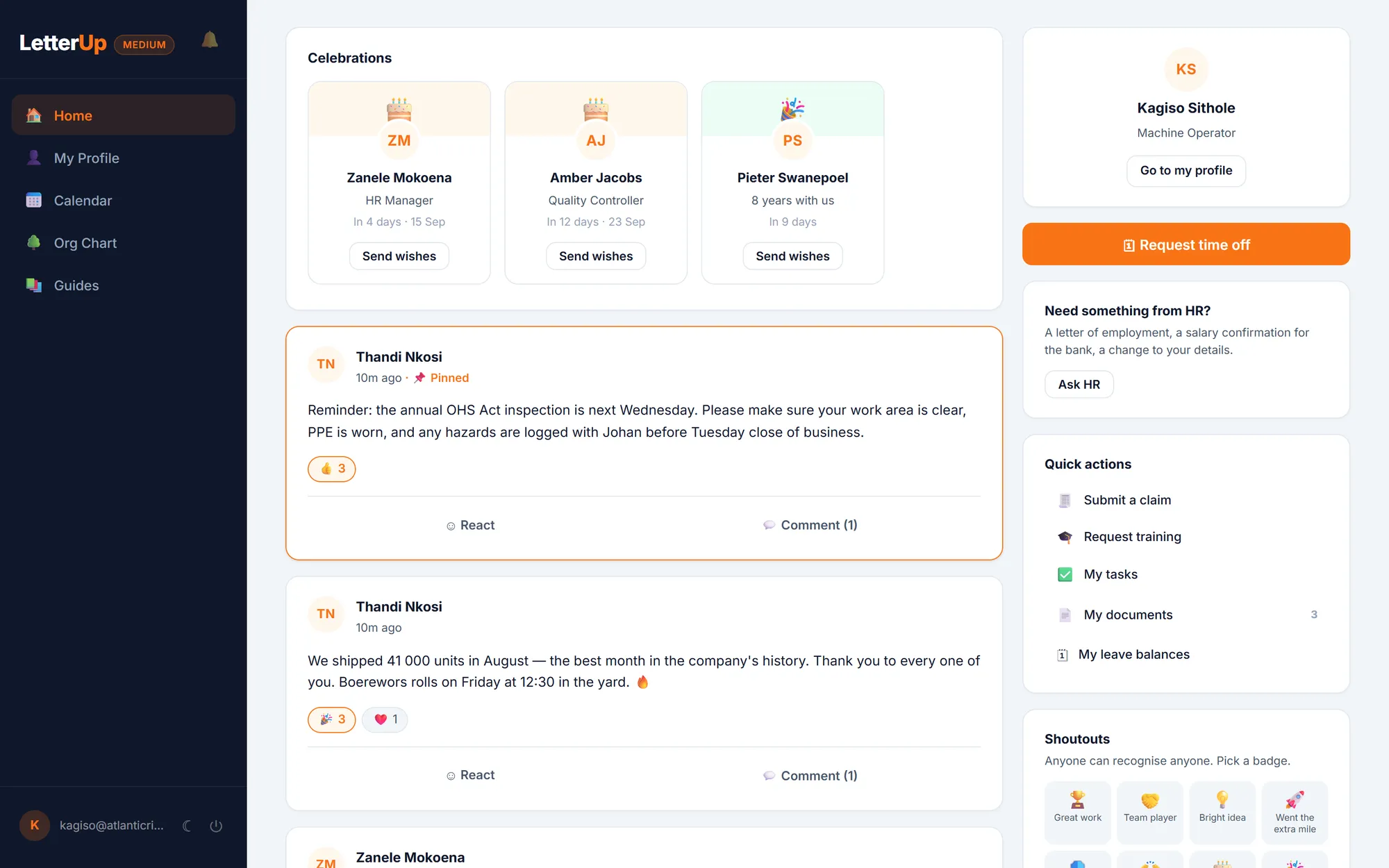
Staff portal & noticeboard
Every employee gets a login for leave, payslips, documents, requests, claims, the calendar and the company noticeboard. Line managers approve from their phones.
Self-service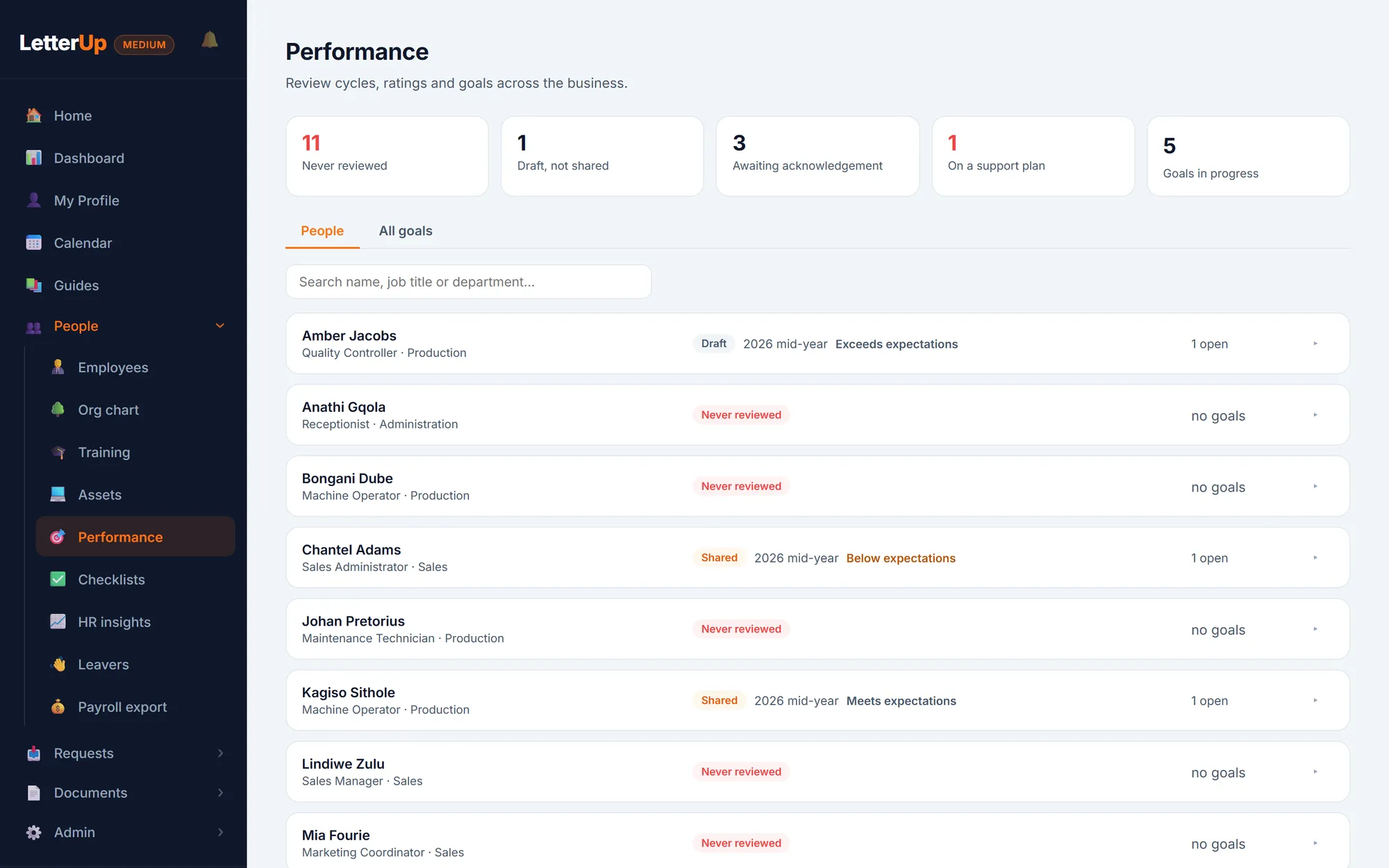
Performance & training
Review cycles, ratings and goals, with the support plan the LRA requires before a poor rating can be shared. Also a course catalogue, training records, certificate expiry and a skills matrix.
Performance & training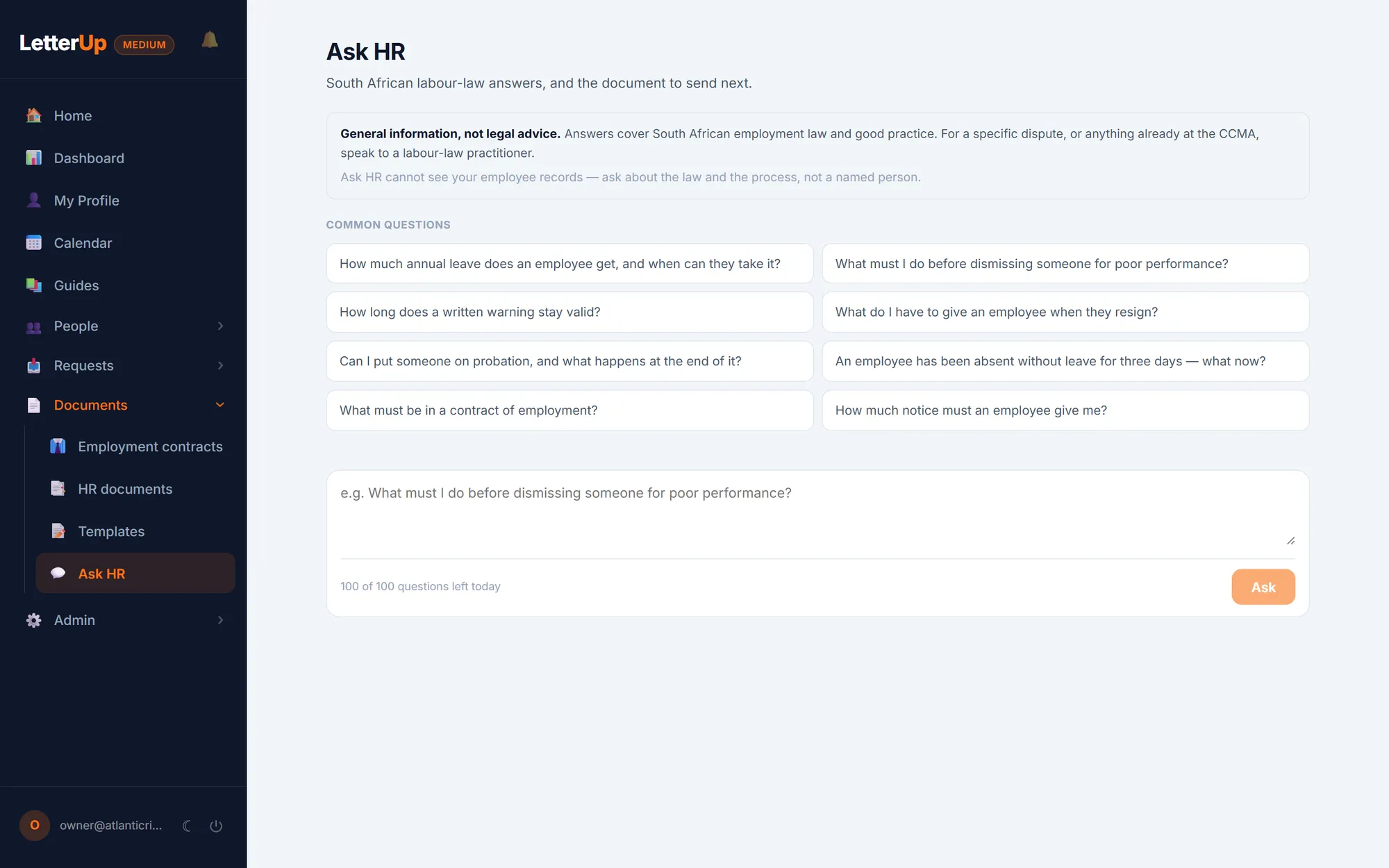
Ask HR
Labour-law questions answered from the BCEA, the LRA and the Code of Good Practice, with the section cited and the right document offered at the end.
Ask HR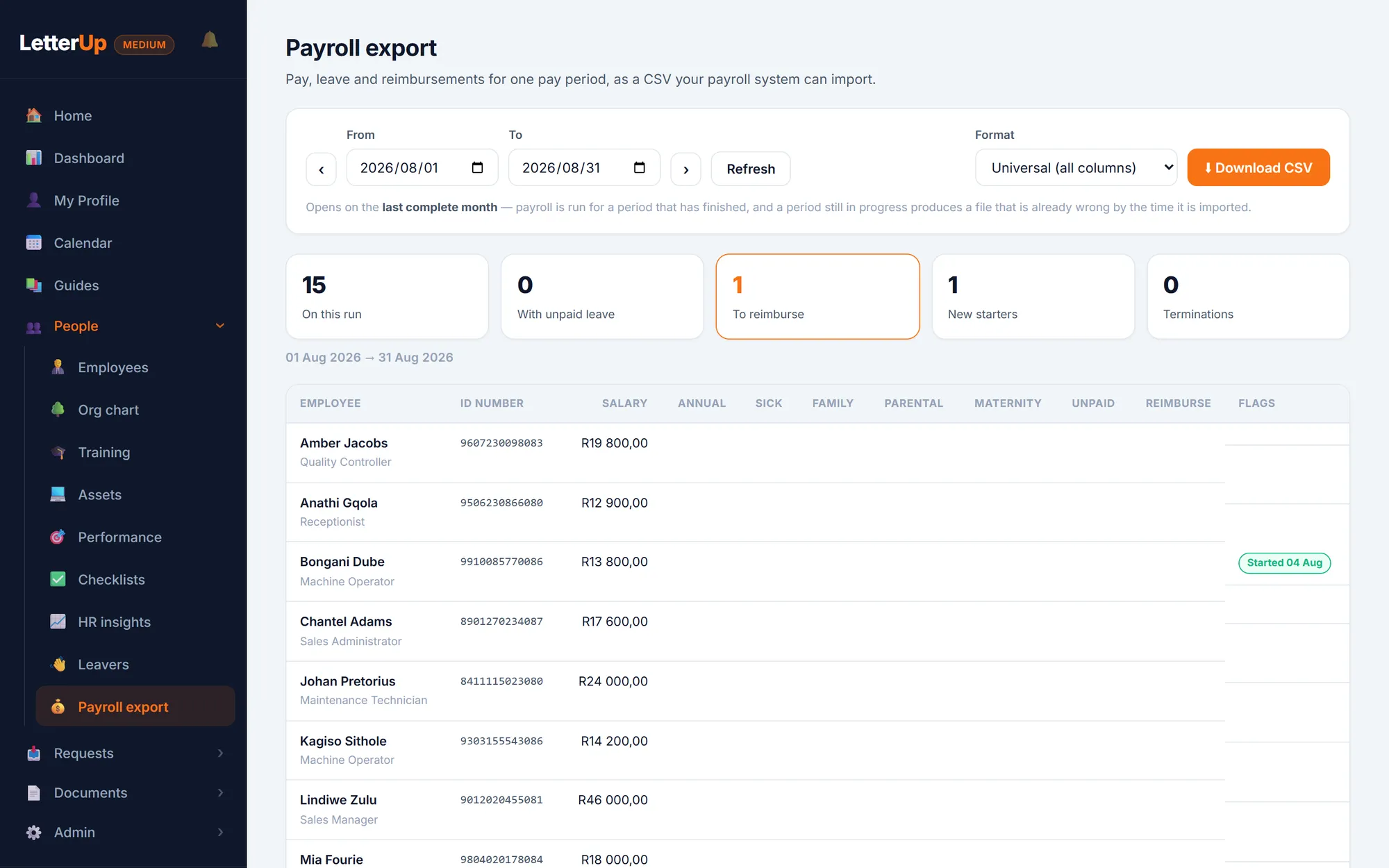
Payroll export, claims, assets & insights
A monthly file for SimplePay, Sage, PaySpace or Pastel. Expense claims with receipts, an asset register, staff requests, and HR insights that flag gaps in your own data.
Payroll & operationsUse what fits and switch off the rest
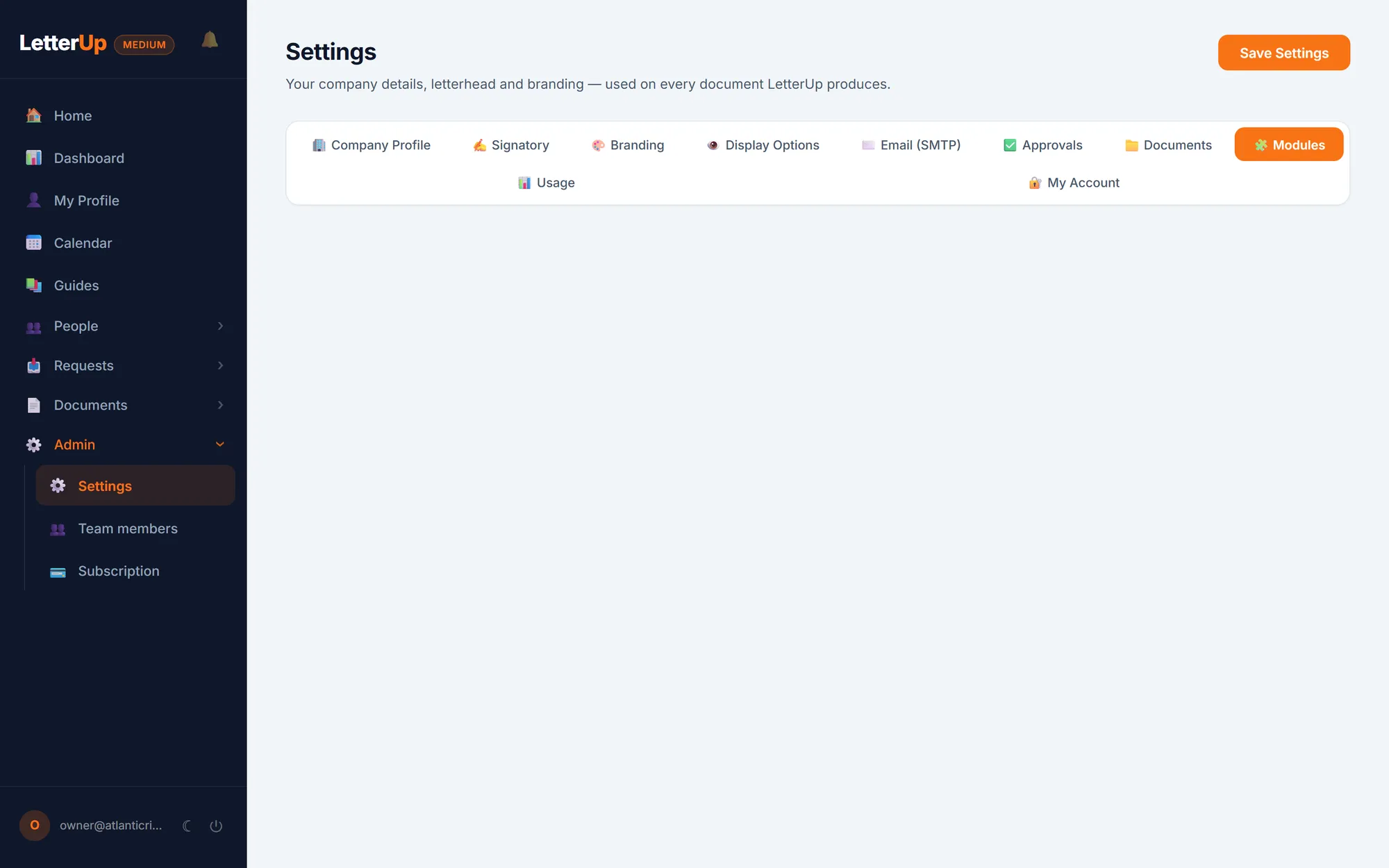
Staff records, leave and documents stay put, because those obligations do not go away. Everything else is a switch in Settings. Switching one off hides the module from every menu and closes its API without touching a record, so when you turn it back on the history is exactly as you left it.
- Switchable: training, claims, assets, requests, checklists, discipline, leavers, payroll export, the noticeboard, performance and Ask HR
- Everything is on by default, so a business that never opens Settings still gets the whole product
Permissions that match how a small business works
Permissions deny by default. There are four presets to start from, Administrator, HR Manager, Finance and Employee, and every individual permission can be adjusted per person. Whoever hands out the laptops does not automatically get to read disciplinary records.
Administrator
Everything, including settings, billing and the team.
HR Manager
Employees, leave, documents, discipline, training, assets, performance, the feed. Not payroll or claims.
Finance
Expense claims and the payroll export, which are the two places salaries and money live. Nothing else.
Employee
Their own record only. A line manager also sees the leave, claims and reviews of their direct reports.